Stories of change
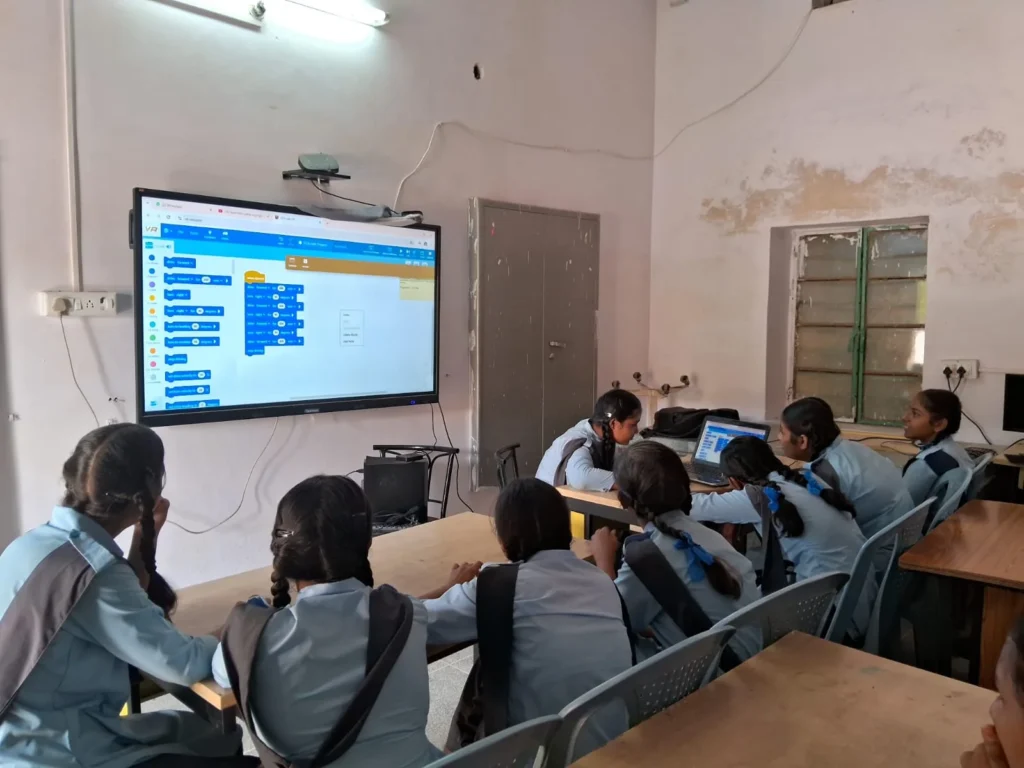
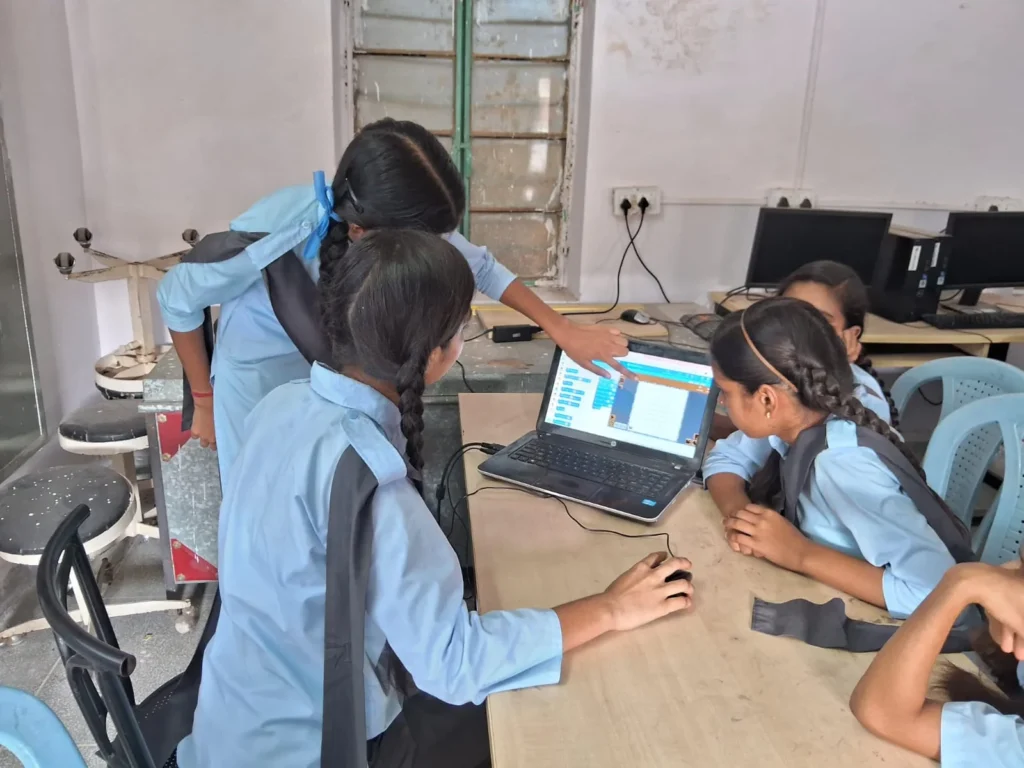
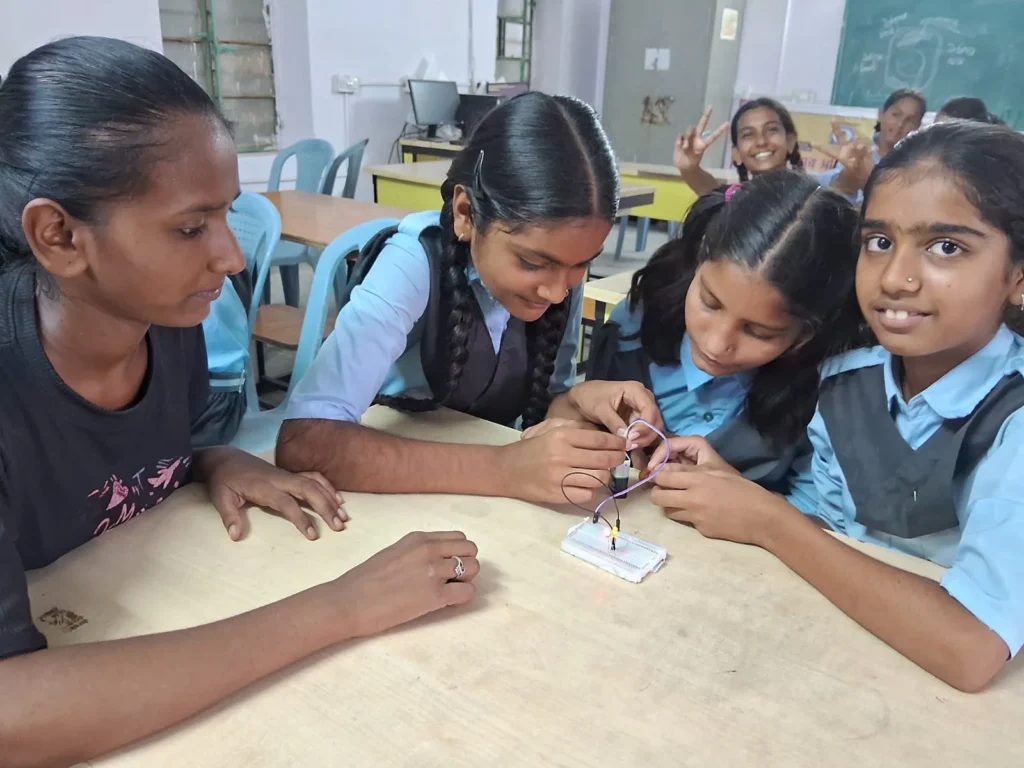
From Fear to Innovation: Ekta and Bhavika’s Inspiring Journey
Class 7, MGGS Chainpura
Read the story →IN-DEED Foundation is dedicated to empowering government school children through quality education, digital skills, and holistic development — one school at a time.
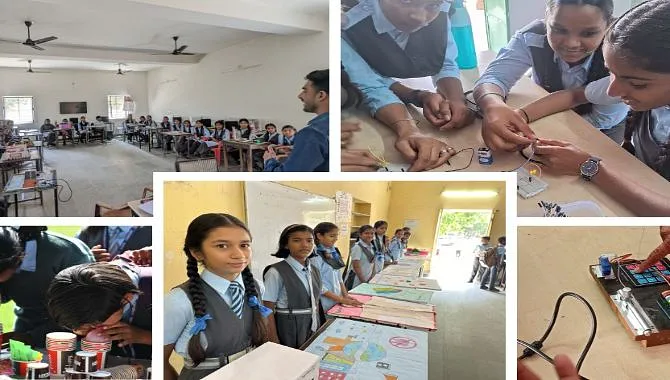
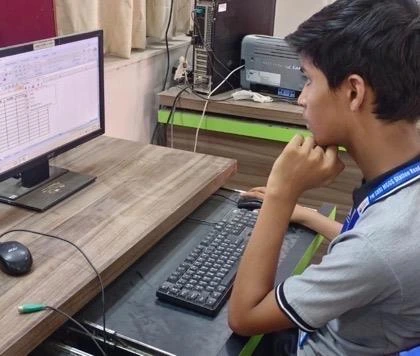
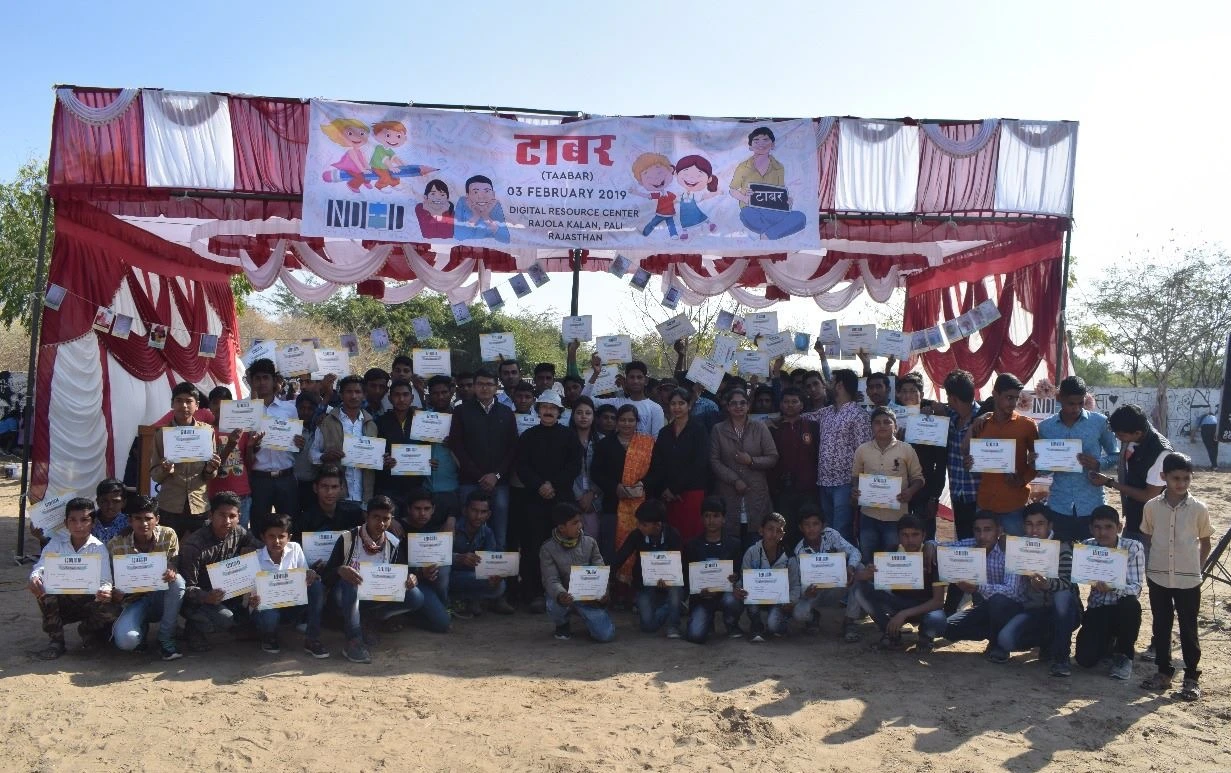
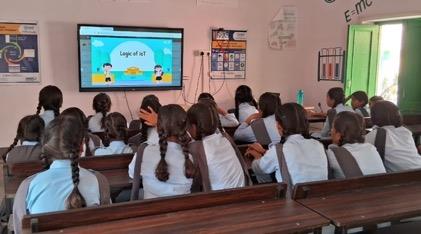
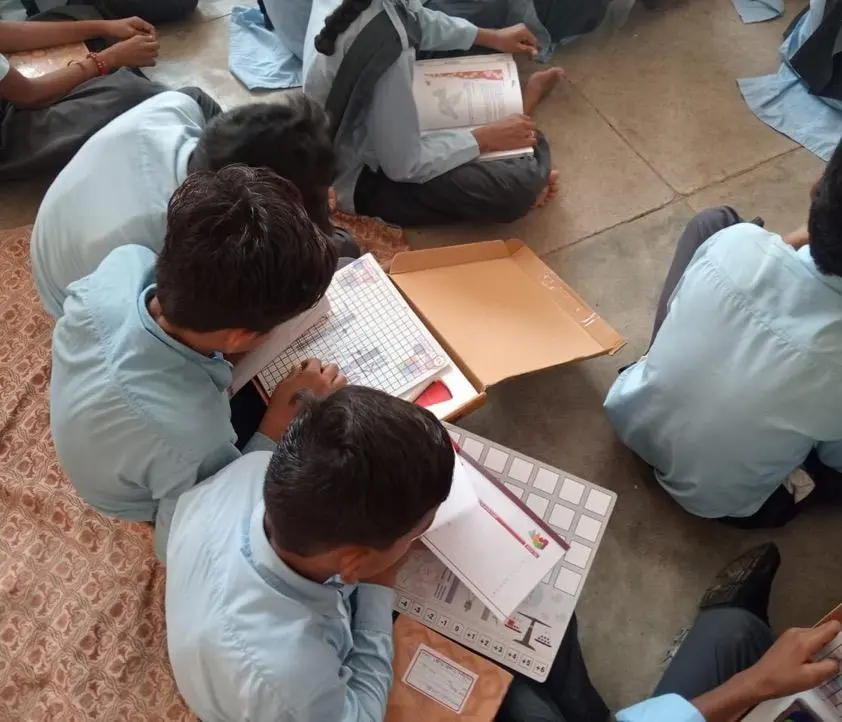
We believe education is the most potent route for rural children to break the cycle of poverty and shape their own futures. Through innovative teaching, volunteer engagement, and technology, we deliver quality learning where it matters most.
Today, we’re proud to be a trusted force in rural education, working closely with local partners to create brighter futures. one school at a time.
A dated view of our impact and school coverage.
Annual impact varies by year. Explore our reports for year-specific results.
Working with school communities to expand learning opportunities.
Supporting children across our growing Rajasthan network.
Explore year-by-year learning outcomes and programme achievements.
Read our annual reports →Working with school communities across Rajasthan and Gujarat.
Choose a district or search for a school to explore the places and programmes in our network.
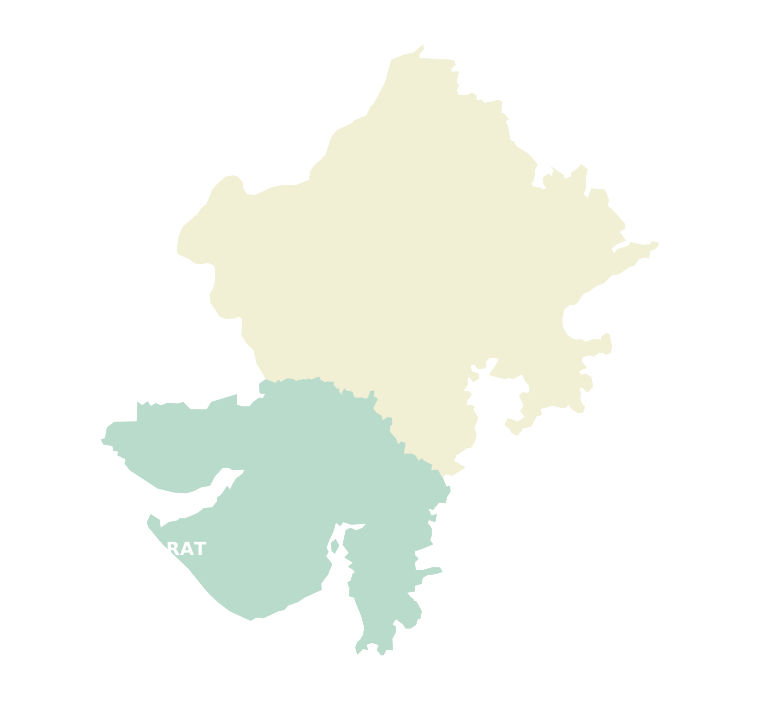
Markers locate districts, not individual school campuses.
Our comprehensive programmes cover academic support, digital skills, holistic development, and essential infrastructure.
Quality educationDigital learning, mathematics, remedial classes, Python sessions, virtual reality, assessments and STEM for girls.
Explore programme
Digital skillsComputer literacy, practical training camps, coding, robotics and student projects.
Explore programme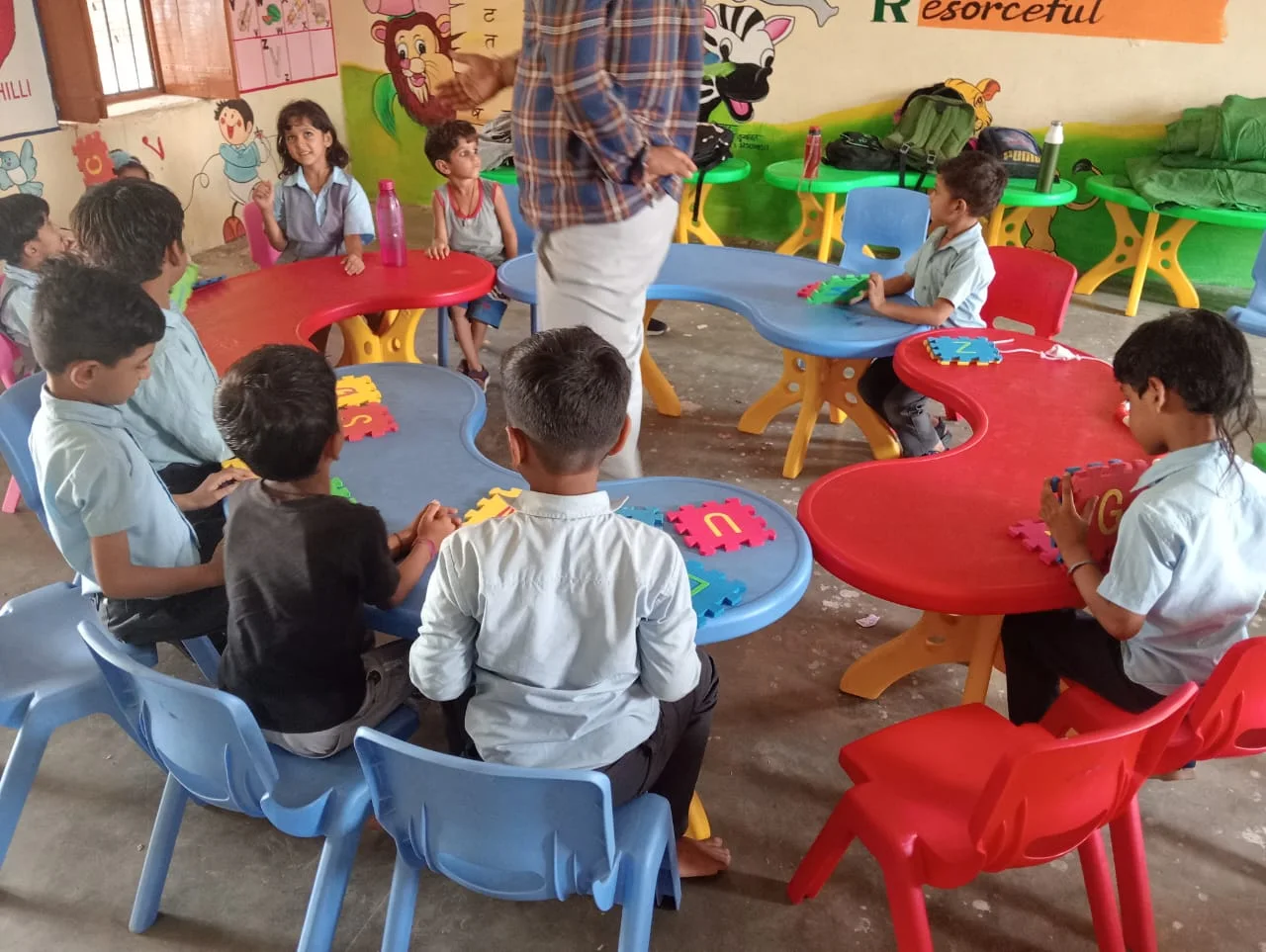 Holistic development
Wholesome education, science fairs, innovation, youth skills, career guidance, academic recognition and Taabar fairs.
Explore programme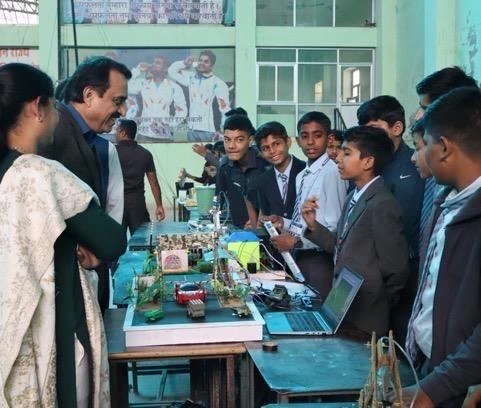 Essential Infrastructure
Health awareness, menstrual hygiene, Pink Toilets, cleanliness, rainwater harvesting and solar power.
Explore programmeThese are the voices of the children and families whose futures have been transformed by your support.
Class 7, MGGS Chainpura
Read the story →class X, GGSSS Magra Punjla
Read the story →Meet the organisations helping us expand learning opportunities.
Meet our partners